TWITCH CHAT / COMPACT ART GUIDE
ASCII Art for Twitch Chat
Live chat moves quickly and offers little horizontal space. The best character art behaves like a reaction: short, recognizable and easy for moderators to understand.
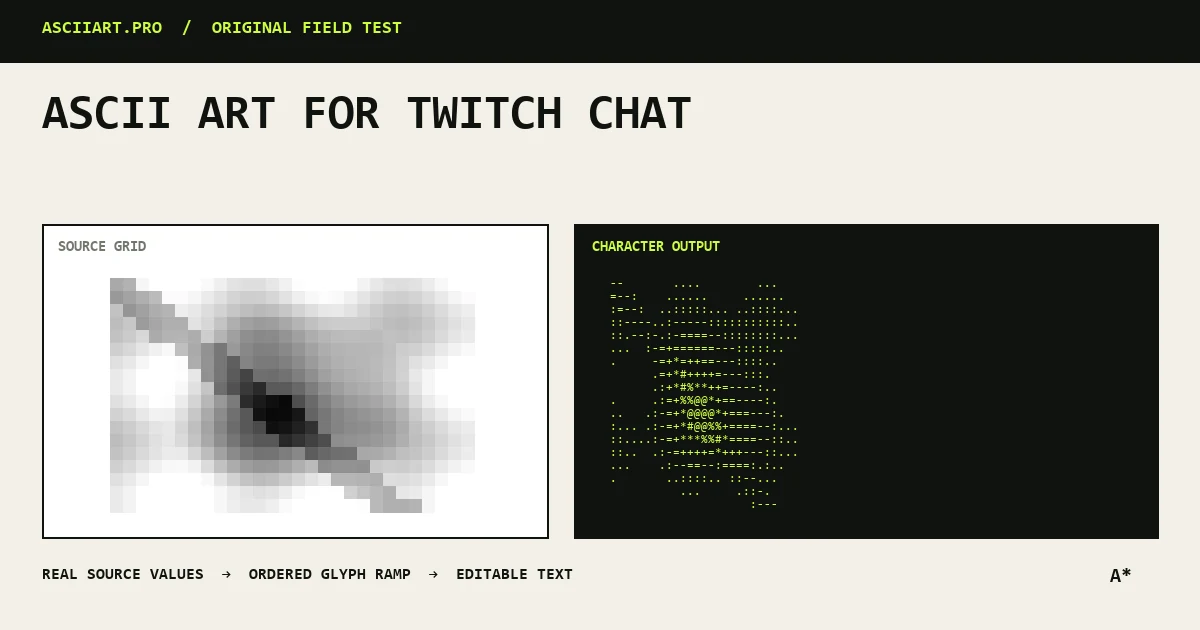
Prefer one-line reactions
Tiny faces, hearts, fish and dividers survive chat wrapping and do not dominate the conversation. Multi-line pieces are usually split into separate messages or rate-limited.
Treat large art as stream overlay content rather than a normal chat message.
Avoid fragile spacing
Chat fonts and browser extensions can alter spacing. Designs that depend on many leading spaces are likely to drift.
Choose symmetrical one-line art or export a fixed image for an overlay.
Test characters and moderation rules
Some symbols may be filtered, repeated-character limits may apply, and channel bots can remove spam-like patterns.
Use the channel's rules as the primary constraint and never automate repeated posting.
Design reusable stream assets
A compact brand banner can work in panels, alerts or starting screens when exported as PNG. Keep chat output simpler and use the same character motif for visual continuity.
Store approved versions for moderators and collaborators.
Quick answers
Can I post multi-line ASCII art in Twitch chat?
It is unreliable and can flood the channel. Use compact one-line art or an image in the stream overlay.
Why does Twitch change the spacing?
The chat font, extensions and narrow message width can all change or wrap a character grid.