TERMINAL + CLI / IMPLEMENTATION GUIDE
ASCII Banners for Terminals and CLI Apps
A terminal banner can establish identity, separate log sections and make a demo memorable. It also has to survive different shells, fonts, widths and character encodings.
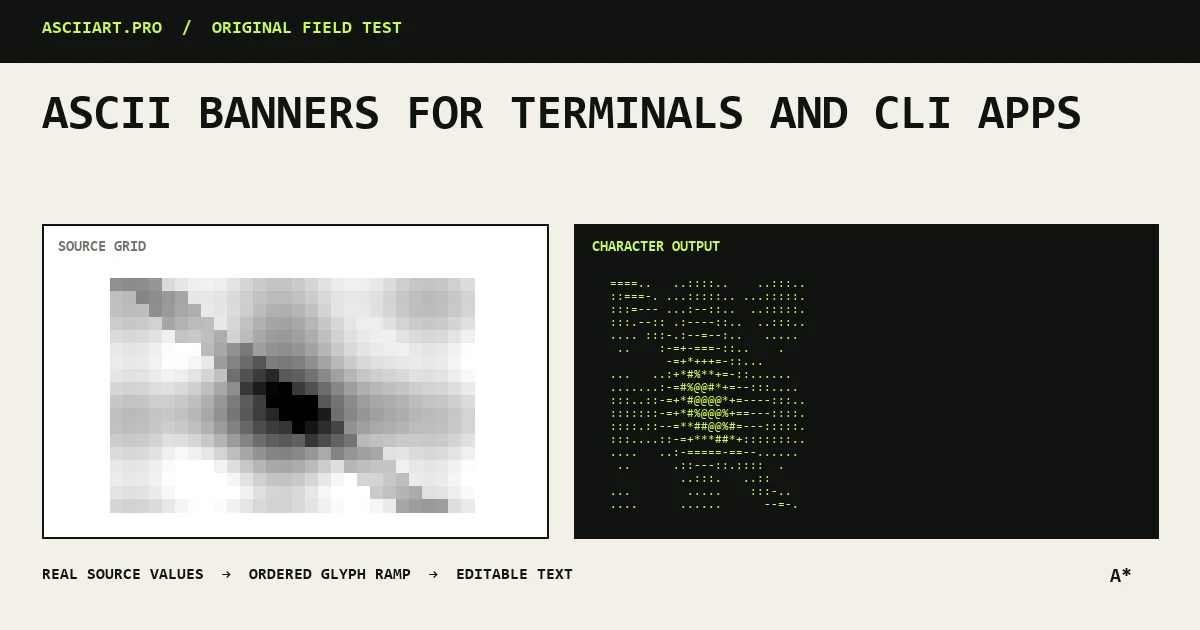
Decide what the banner is doing
A startup logo, a warning and a log separator have different requirements. Startup branding can be decorative; a warning must remain readable even if the art fails.
Keep essential status text outside the banner so users can copy errors and screen readers can announce them clearly.
Target a conservative width
Eighty columns remains a useful portability target. A banner below 60 columns works in split panes, CI logs and remote sessions more reliably.
Do not assume the user has a full-screen terminal. Test the narrowest layout your CLI supports.
- 60 columns for broad compatibility
- 80 columns for full terminal headers
- Avoid automatic wrapping
Prefer portable characters
Plain ASCII punctuation works in almost every environment. Unicode blocks and Braille add detail but depend on the terminal font and UTF-8 configuration.
If you use Unicode, provide a plain fallback or allow users to disable decorative output with a quiet or no-color option.
Embed without breaking the program
Store the banner as a raw string or separate text file so escaping does not alter backslashes. Print it to standard output only when appropriate; machine-readable output should stay clean.
Respect NO_COLOR conventions for ANSI color and avoid control sequences that move the cursor or clear previous output.
Test the actual release environments
Preview the banner in Windows Terminal, a common Linux terminal and the CI service your project uses. Check light and dark themes if colors are involved.
The safest banner is decorative, short and easy to disable.
- Test UTF-8 support
- Test redirected output
- Test narrow panes and CI logs
Quick answers
How wide should a CLI banner be?
Under 60 columns is broadly portable; up to 80 columns is reasonable for a full terminal header.
Should a CLI always print its banner?
No. Suppress it for machine-readable output, quiet modes and non-interactive use where decoration creates noise.