INSTANT PREVIEW
The banner updates while you type, without a page reload or account.
WORDS → CHARACTER ART
Turn short text into bold ASCII lettering. Preview instantly, copy clean text and download a ready-to-use banner.
USE THE FREE TOOL ↓██ ██ ██████ ██ ██ ██ ██ ██ ██ ██ ██ ██ ██ ██████ ████ ██ ██ ██ ██ ██ ██ ██ ██ ██ ██ ██ ██ ██ ██████ ██████ ██████ ██
No signup. Local processing.
██  ██  ██████  ██      ██        ██
██  ██  ██      ██      ██      ██  ██
██████  ████    ██      ██      ██  ██
██  ██  ██      ██      ██      ██  ██
██  ██  ██████  ██████  ██████    ██
Create bold monospace lettering for messages, profiles, documentation and code. Type up to twelve characters and the result updates instantly.
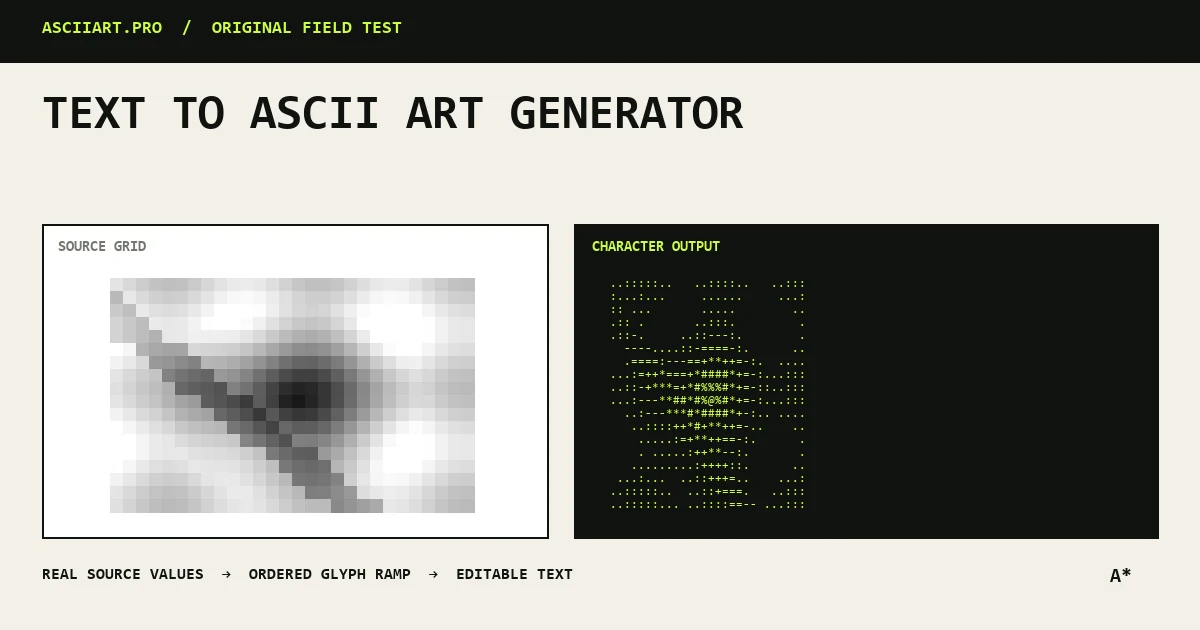
Specific capabilities, not a generic upload box.
The banner updates while you type, without a page reload or account.
Copied output contains only the generated characters and whitespace.
The twelve-character limit protects readability in docs, profiles and terminals.
From quick idea to finished asset.
Keep the word short and use a code block for multi-line output.
Retain a normal text heading next to decorative character art.
Export PNG when exact typography and color are required.
Yes. Use Copy for the raw monospace output or TXT to save it as a file.
Large ASCII lettering becomes extremely wide. The limit keeps results readable in terminals, READMEs and chat applications.
Yes, though wider output is easier to inspect and copy on a desktop-sized screen.