ALIGNMENT / TROUBLESHOOTING GUIDE
How to Keep ASCII Art Aligned Everywhere
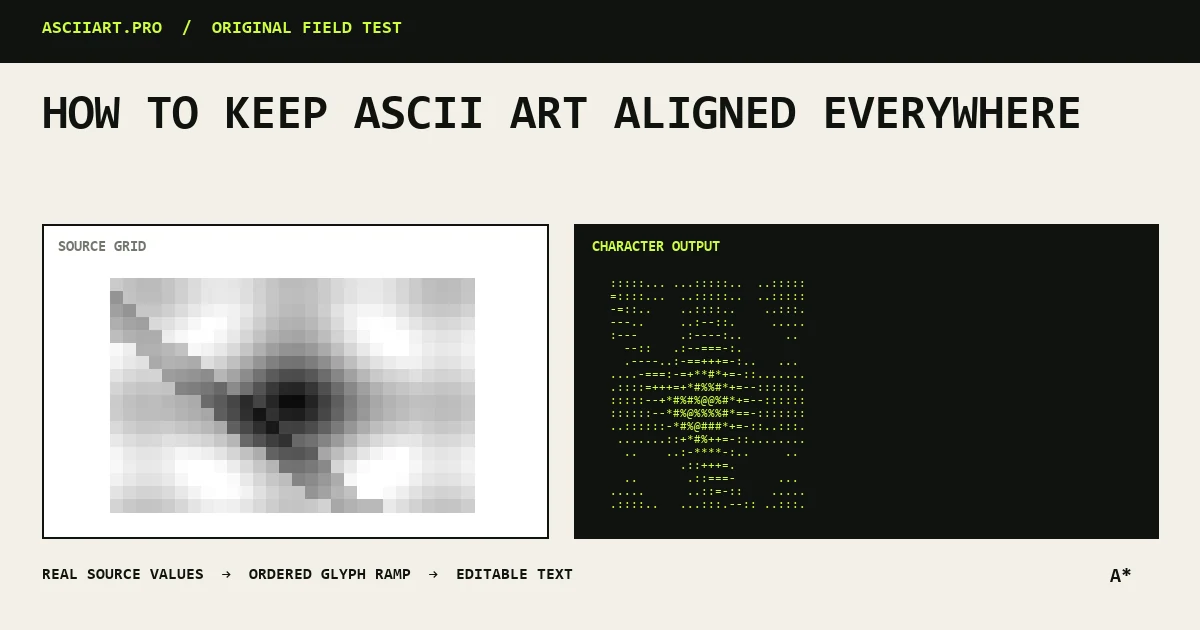
ASCII art is a grid. Every character must occupy a predictable cell, and every line must keep its spaces. When either rule changes, the image bends or collapses.
Use a monospace font
In a monospace font, an M and a period occupy the same horizontal width. Proportional fonts assign different widths, so carefully positioned characters drift.
Code blocks, preformatted HTML and terminal windows normally use monospace fonts. Ordinary social posts often do not.
Preserve every space
Browsers and rich-text editors may collapse repeated spaces into one. Use a preformatted block or code block when multi-line art depends on indentation.
Do not trim the beginning of lines. Leading spaces center the art and are just as important as visible punctuation.
- Use pre or code formatting
- Avoid auto-trim tools
- Copy the entire block
Replace tabs with spaces
A tab does not have one universal width. It may equal two, four or eight spaces depending on the editor and destination.
Convert tabs to ordinary spaces before sharing. Most text editors can show invisible characters and replace tabs automatically.
Watch Unicode character width
Braille and block characters usually occupy one terminal cell, but emoji and some East Asian characters may occupy two. Combining marks can occupy no cell of their own.
Avoid mixing emoji into a precise grid unless you have tested the exact destination and font.
Prevent line wrapping
Even perfectly spaced art breaks when a container wraps long lines. Reduce the character density, choose a narrower design or use horizontal scrolling in a code block.
When you cannot control the destination typography or width, export the art as a PNG for a predictable visual result.
Quick answers
Why does the art look fine in my editor but not online?
The website may use a proportional font, collapse spaces or wrap lines at a narrower width.
Are tabs safe in ASCII art?
No. Replace them with spaces because tab width changes between applications.