HIGH CELL DETAIL
Unicode Braille glyphs preserve more visual information at narrow widths.
HIGH DETAIL. TINY GLYPHS.
Convert images into detailed Unicode Braille-style character art with adjustable density and local browser processing.
USE THE FREE TOOL ↓⠀⠀⠀⠀⣠⣶⣶⣄⠀⠀⠀⠀ ⠀⠀⠀⣾⣿⣿⣿⣿⣷⠀⠀⠀ ⠀⠀⣸⣿⠋⠀⠀⠙⣿⣇⠀⠀ ⠀⠀⣿⣿⠀⣶⣶⠀⣿⣿⠀⠀ ⠀⠀⠹⣿⣦⣀⣀⣴⣿⠏⠀⠀ ⠀⠀⠀⠈⠻⣿⣿⠟⠁⠀⠀⠀ ⠀⠀⠀⠀⠀⠈⠁⠀⠀⠀⠀⠀
No signup. Local processing.
████ ████ ██ ██████ ██ ██ ██████ ██ ██ ██ ██ ██ ██ ██ ██ ██ ██ ████ ████ ██████ ██ ██ ██ ████ ██ ██ ██ ██ ██ ██ ██ ██ ██ ██ ████ ██ ██ ██ ██ ██████ ██████ ██████ ██████
Braille Unicode characters create a denser visual texture than classic ASCII ramps. They are useful when you want more detail while keeping the result entirely text-based.
This compact emblem uses only Unicode Braille cells. Copy it as plain text, then compare it with an image you convert in the tool above.
⠀⠀⠀⠀⣠⣶⣶⣄⠀⠀⠀⠀
⠀⠀⠀⣾⣿⣿⣿⣿⣷⠀⠀⠀
⠀⠀⣸⣿⠋⠀⠀⠙⣿⣇⠀⠀
⠀⠀⣿⣿⠀⣶⣶⠀⣿⣿⠀⠀
⠀⠀⠹⣿⣦⣀⣀⣴⣿⠏⠀⠀
⠀⠀⠀⠈⠻⣿⣿⠟⠁⠀⠀⠀
⠀⠀⠀⠀⠀⠈⠁⠀⠀⠀⠀⠀
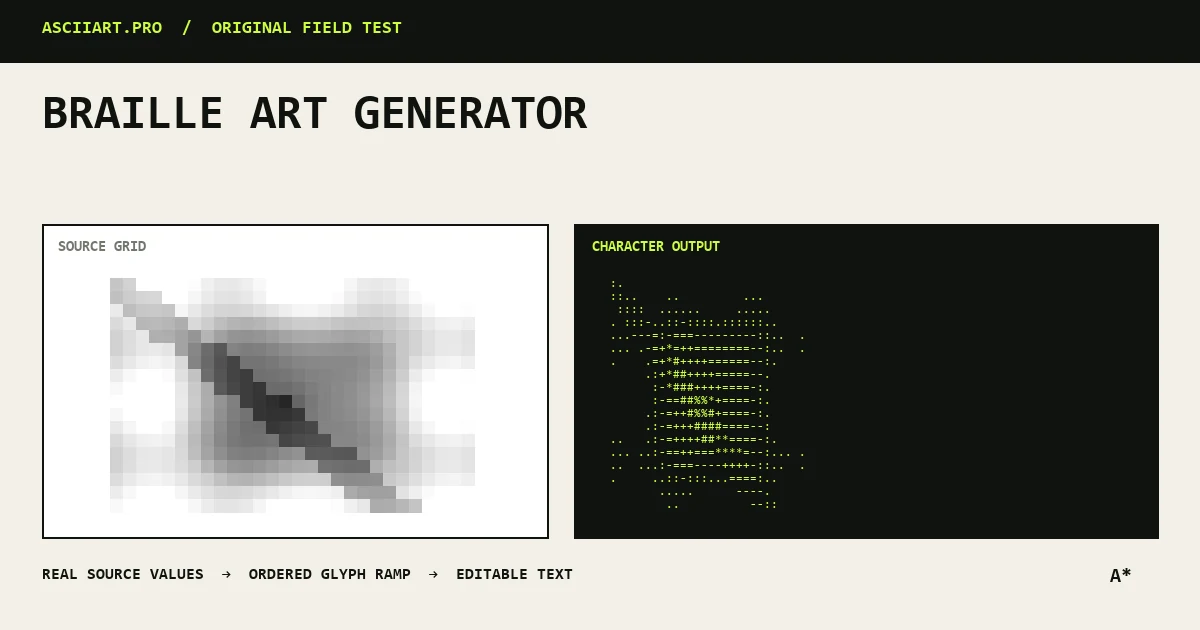
Specific capabilities, not a generic upload box.
Unicode Braille glyphs preserve more visual information at narrow widths.
The image is processed locally with the same brightness and density controls.
Switch between Braille, classic ASCII, blocks and custom ramps before export.
From quick idea to finished asset.
Generally reliable when the selected font includes Unicode Braille.
Verify UTF-8 and the terminal font before shipping the output.
Use classic keyboard ASCII as the fallback.
Strictly speaking it uses Unicode Braille characters, but it belongs to the same broader family of text and character art.
Most modern browsers and terminals support Unicode Braille, but appearance can vary with the selected font.
High-contrast images with a clear subject usually produce the most readable results.